You Don't Have to Be on Camera: Video for Business Owners Who Hate Being Filmed
Being camera-shy isn't a reason to skip video. Here's how small business owners can build a consistent video presence using their hands, their work, and their voice, without ever appearing on screen.

There's a specific conversation that happens with a lot of small business owners. They agree video would help. They've seen competitors posting it. And then: "I just can't do it. I hate being on camera."
That's usually where the plan dies. Which is a shame, because the assumption underneath it is wrong. Video doesn't require your face. It requires something worth looking at, and most businesses have plenty of that sitting in plain sight.
Some of the most effective content local businesses produce has no presenter in it at all. A pair of hands. A close-up of the work. A voice over the top, or no voice and just captions. Viewers aren't scrolling in search of your face; they're trying to figure out whether you're any good at what you do. You can answer that without stepping in front of the lens.
Why Faceless Video Often Performs Better
The work is more interesting than the talking. A 40-second clip of a countertop being installed holds attention better than the same information delivered by someone sitting in a chair explaining it. Process footage has natural momentum, something is visibly changing, and that keeps people watching to the end.
Completion rate is what platforms reward. Every social platform and YouTube itself decides who else sees your video largely based on whether the people who started it finished it. Short, visual, face-free clips are unusually good at this because there's no social cost to the viewer for staying, and nothing to judge.
It removes the bottleneck. The real reason most small business video plans stall isn't budget, it's that filming requires the owner to feel presentable, rehearsed, and available. Take that out and you can shoot on an ordinary Tuesday in a work shirt with dust on it.
Five Formats That Never Need Your Face
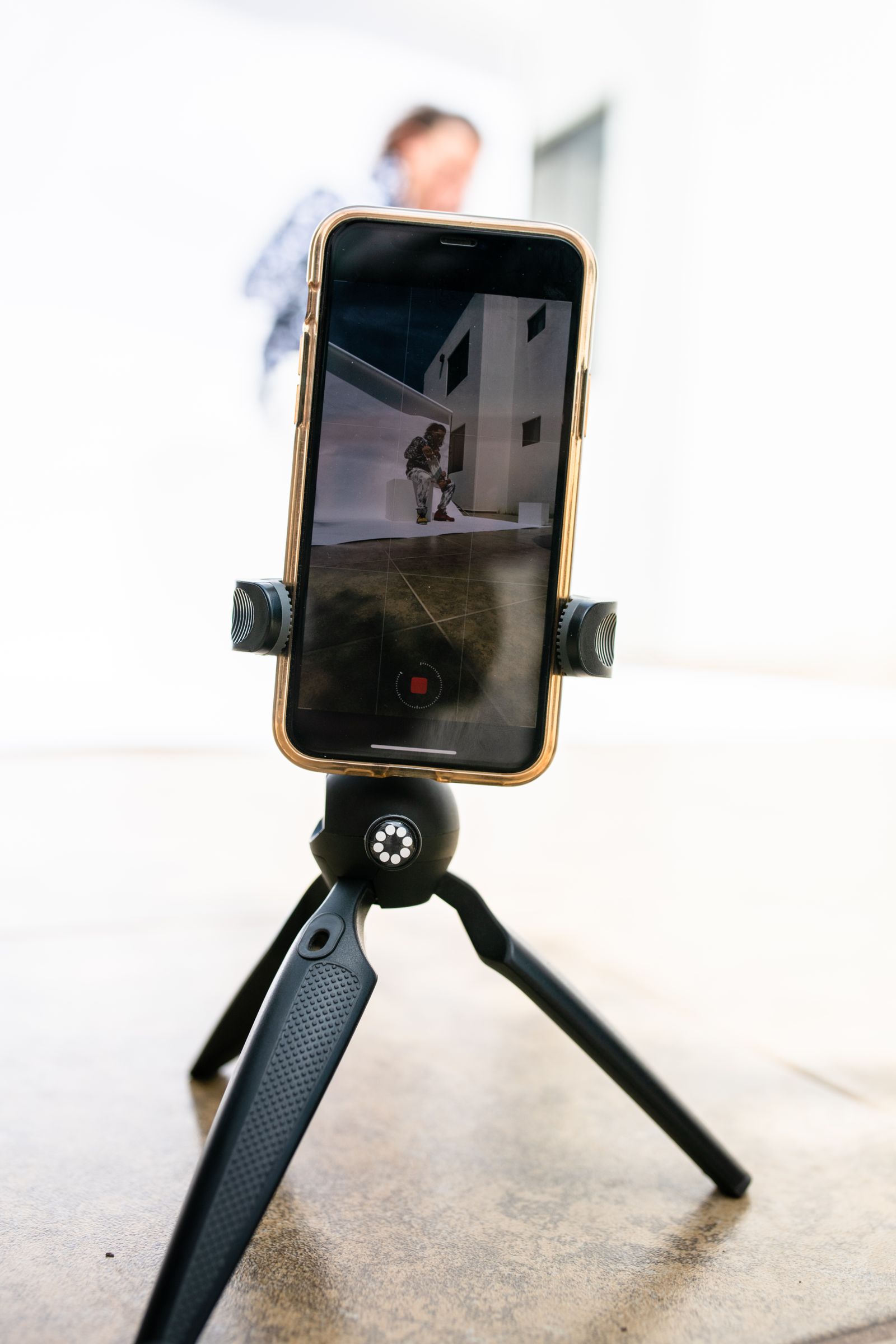
Hands-on process clips. Point a phone at whatever you're doing, the mix being poured, the seam being welded, the espresso being pulled, and let it run. Film from slightly above and to the side, keep the camera still, and get thirty to sixty seconds of the most visually interesting part of the job.
Screen or document walkthroughs. If your business involves plans, quotes, designs, or reports, a screen recording with your voice explaining what you're looking at is genuinely useful content. Accountants, designers, and consultants get a lot of mileage out of this.
Text-and-b-roll explainers. Take the question customers ask you most and answer it in on-screen text over footage of your work. No voice needed at all. Most people watch with the sound off anyway.
Voiceover tours. Walk your phone through your shop, your van, a finished job, or your workspace and narrate afterward. Recording the audio separately is easier than talking while filming, and it sounds calmer.
Time-lapses. Set a phone on a windowsill and let it capture a full setup, install, or prep. A two-hour job compressed into twenty seconds is inherently watchable, and it needs zero performance from you.
Getting the Footage Usable
A few habits make faceless footage far easier to turn into something good.
Shoot more than you think you need, and film the same action from two angles when you can, one wide, one close. Hold each shot longer than feels natural; four or five seconds of steady footage is usable, two seconds of it is not. Keep the phone braced against something so the shot doesn't drift. And if you plan to narrate later, jot down what you want to say while the job is fresh rather than trying to reconstruct it a week on.
Sound is the one area where faceless video can quietly fail. A clip of hands working with a compressor roaring in the background is unpleasant to watch. If you intend to add voiceover or music later, that's not a problem. If the on-site audio is the audio, film during a quiet stretch.
Where It Usually Falls Apart
The footage isn't the hard part anymore. What stops most of these clips from ever being posted is the middle step: sifting through the raw video, finding the ten seconds that actually read well, cutting the pacing so it doesn't drag, adding captions and on-screen text, and sizing it correctly for wherever it's going. Faceless video leans especially heavily on that work, because without a presenter carrying the clip, the edit is what makes it feel intentional rather than like a random phone recording.
That's the part MorganMade handles. Send over process footage, screen recordings, or a pile of clips from a job, and MorganMade cuts it into short-form pieces, YouTube edits, and captioned content with the motion graphics and on-screen text that make face-free video work. If being on camera has been the thing keeping your business off video, it doesn't have to be.
*This post was created with the assistance of AI.*