Most People Watch Your Video With the Sound Off. Here's What That Means for You.
A large share of social video is watched on mute. Captions, on-screen text and smart visual pacing decide whether silent viewers stay or scroll — here's how to get them right.

Somebody is watching your video right now in a waiting room. Somebody else is watching it in bed next to a sleeping partner, or on a lunch break in a noisy break room, or at a desk where turning the sound on would announce to the whole office that they are not working.
None of them can hear a word you're saying.
Silent viewing isn't an edge case — on the feed-based platforms where most small businesses fight for attention, muted autoplay is the default state. Your video has to work with the sound off, or it doesn't work at all. The good news is that fixing this is one of the cheapest, highest-leverage changes you can make to content you've already shot.
Captions Are Not An Accessibility Checkbox
Captions started as an accessibility feature and they still are one — roughly one in five people has some degree of hearing loss, and open captions make your content usable for them. That reason alone is enough.
But captions have quietly become a reach feature too. They keep muted viewers watching past the first few seconds, and watch time is what every recommendation algorithm rewards. They also give search engines and platform indexes actual text to read: a captioned video with an uploaded transcript is a page full of the words your customers actually type into a search bar. A silent video is a black box.
Two practical notes. Open captions are burned into the video itself and always show, which is what you want for social feeds. Closed captions are a separate file the viewer toggles, which is what you want on YouTube and your website — upload an SRT or VTT file so the platform can index it.
Write Captions People Can Actually Read
Auto-generated captions are a starting point, not a finished product. They mangle proper nouns, drop punctuation, and cheerfully turn your business name into nonsense. Always read through and correct them.
A few things that separate captions that work from captions that annoy:
Keep them short. One to two lines at a time, a handful of words per line. Walls of text get skipped.
Put them where thumbs aren't. Platform UI covers the bottom of the screen and usernames and buttons crowd the edges. Keep captions in the middle third, well inside the safe area.
Make contrast non-negotiable. White text on a bright background disappears. Add a subtle drop shadow, a semi-transparent bar, or a stroke so the words hold up over any footage.
Match the cut, not the clock. Captions should change with the speaker's natural phrasing. Text that lags the audio or races ahead of it feels broken even when it's technically accurate.
Skip the karaoke effect if it's fighting you. Word-by-word highlighting works for fast, punchy talking-head clips. On a calm brand piece it just looks frantic.
Design For The Mute Scroll, Not The Quiet Room
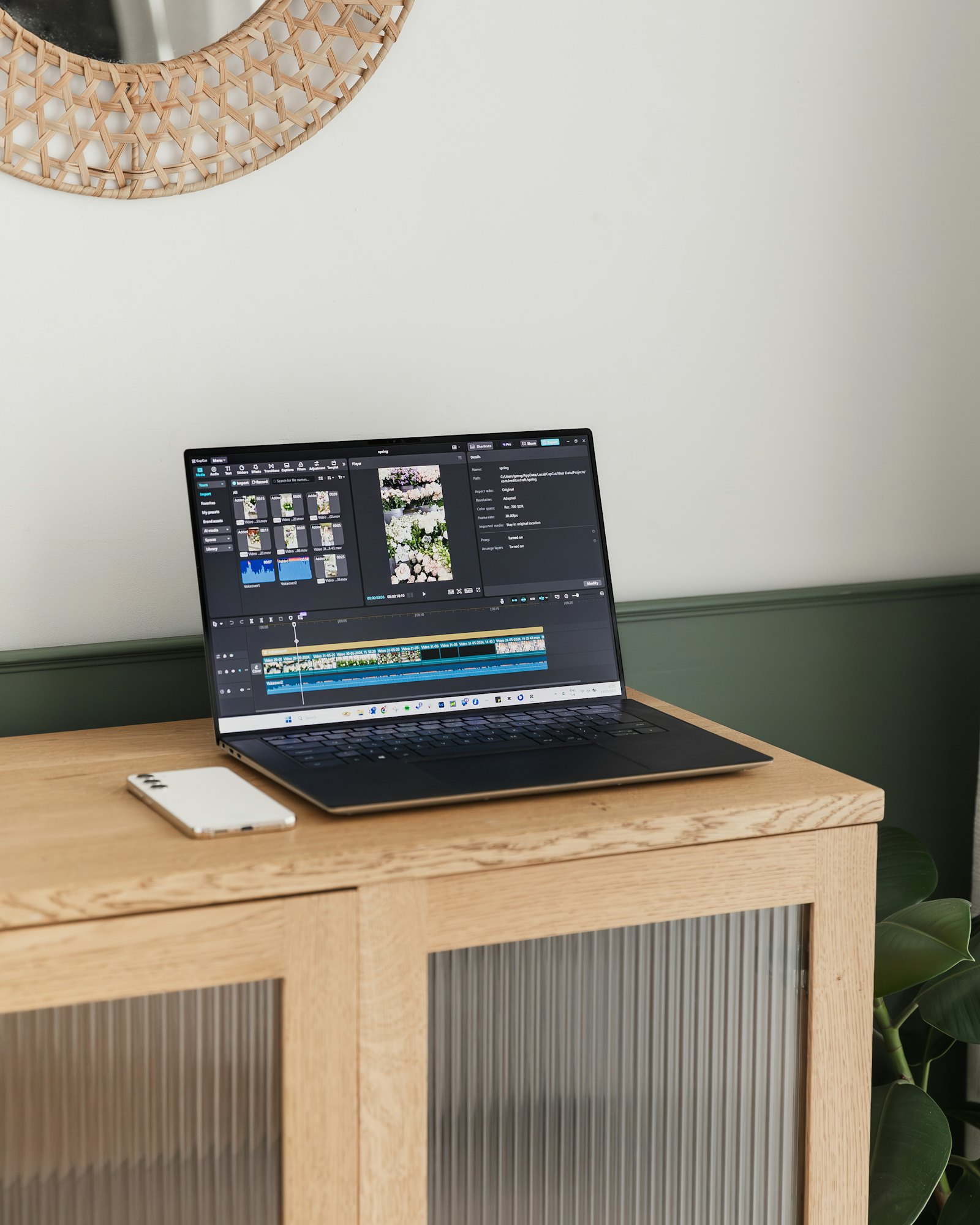
Captions carry the words, but the rest of the frame has to carry the meaning. Assume your viewer will never hear the audio and ask whether the video still lands.
Open with a visual that makes the subject obvious in the first second — the finished cabinet, the before-and-after, the dish coming out of the oven. Don't spend that second on a logo animation.
Put your key claim on screen as text, not just in the voiceover. A price, a guarantee, a "we're open Sundays" — if it only exists in the audio, half your audience never got it.
Use simple motion graphics to do the work a narrator would do: a lower third naming the person talking, a callout arrow pointing at the detail that matters, a clean list building on screen as you explain steps.
And end with a visible call to action. "Call us" spoken aloud is invisible; "Call us — booking two weeks out" on screen is a next step.
A Fifteen-Minute Audit You Can Run Today
Pull up the last five videos you posted and watch them all the way through with your phone on mute.
Ask three questions each time. Could a stranger tell what you do within three seconds? Could they follow the point without audio? Do they know what to do at the end? Anywhere the answer is no, you've found a specific fix — and usually it's a text overlay, not a reshoot.
Sound-off viewing isn't a limitation to work around. It's just the room your audience is actually sitting in, and content built for that room reaches further than content that assumes everyone is listening.
*This post was created with the assistance of AI.*