Why Your Video Looks Wrong on Instagram but Fine on YouTube
Wide, tall, square: the same footage needs a different shape depending on where it lands. Here is how to film one video that survives all three crops, where platform buttons eat your frame, and why reframing in the edit beats filming everything twice.

You shot a good video. On YouTube it looks right: the subject centred, a bit of space above the head, the product clearly in frame. Then you post the same file to Instagram or TikTok and something has gone wrong. The top of your head is cut off, the logo on your shirt is sitting behind a username, and the thing you were pointing at has disappeared off the side of the screen.
Nothing broke. The video is just the wrong shape for where it ended up, and the platform cropped it for you without asking.
The Three Shapes You Actually Need
Aspect ratio is only the proportion of width to height, and for a small business there are three worth knowing.
16:9, wide. YouTube, your website, anything that plays on a laptop or a TV. This is the shape a phone gives you by default when you hold it sideways.
9:16, tall. Reels, TikTok, Shorts, Stories. The full phone screen, held the way people actually hold a phone.
1:1 or 4:5, square-ish. The in-feed post on Instagram and Facebook. 4:5 is slightly taller than square and takes up more of the screen as somebody scrolls, which is why most feed video is cut that way now.
You do not have to pick one. You do have to decide, before filming, which of these the footage will end up in, because that decision changes where you stand and where you point the camera. Making it in advance costs nothing.
Film Wide, but Frame for the Crop
Here is the practical trick: shoot 16:9 at the highest resolution your phone offers, and compose as though everything outside the middle third will be thrown away.
In practice that means keeping the subject and the action in the central column of the frame. If you are demonstrating something, do it in front of your body rather than out to one side. If two people are talking, stand them closer together than feels natural. If there is a product involved, keep it near the centre line instead of resting at the edge of the table.
A 4K wide shot has enough pixels that an editor can crop a full-quality vertical frame out of the middle of it. A 1080p shot cropped the same way starts to look soft. Resolution is what buys you flexibility later, and shooting at the highest setting costs you nothing but storage.
One exception. If a video is only ever going to be a Reel, film it vertically. Cropping is a safety net, not a strategy.
Leave Room for the Interface
The other reason vertical video goes wrong has nothing to do with shape. Every platform draws its own buttons on top of your footage, and those buttons sit in predictable places.
Roughly the top tenth of the screen is covered by the account name and the follow button. The bottom fifth or so takes the caption, the audio strip, and the comment and share icons. Down the right-hand side there is a column of buttons. What is left, the middle and slightly left of centre, is the only part of the frame you can count on.
So nothing important goes in the bottom fifth. No burned-in captions down there, no phone number, no logo, no text on screen. If you have ever seen a business video where the website address is hidden behind a "see more", that is this mistake.
Reframing in the Edit Beats Filming Twice
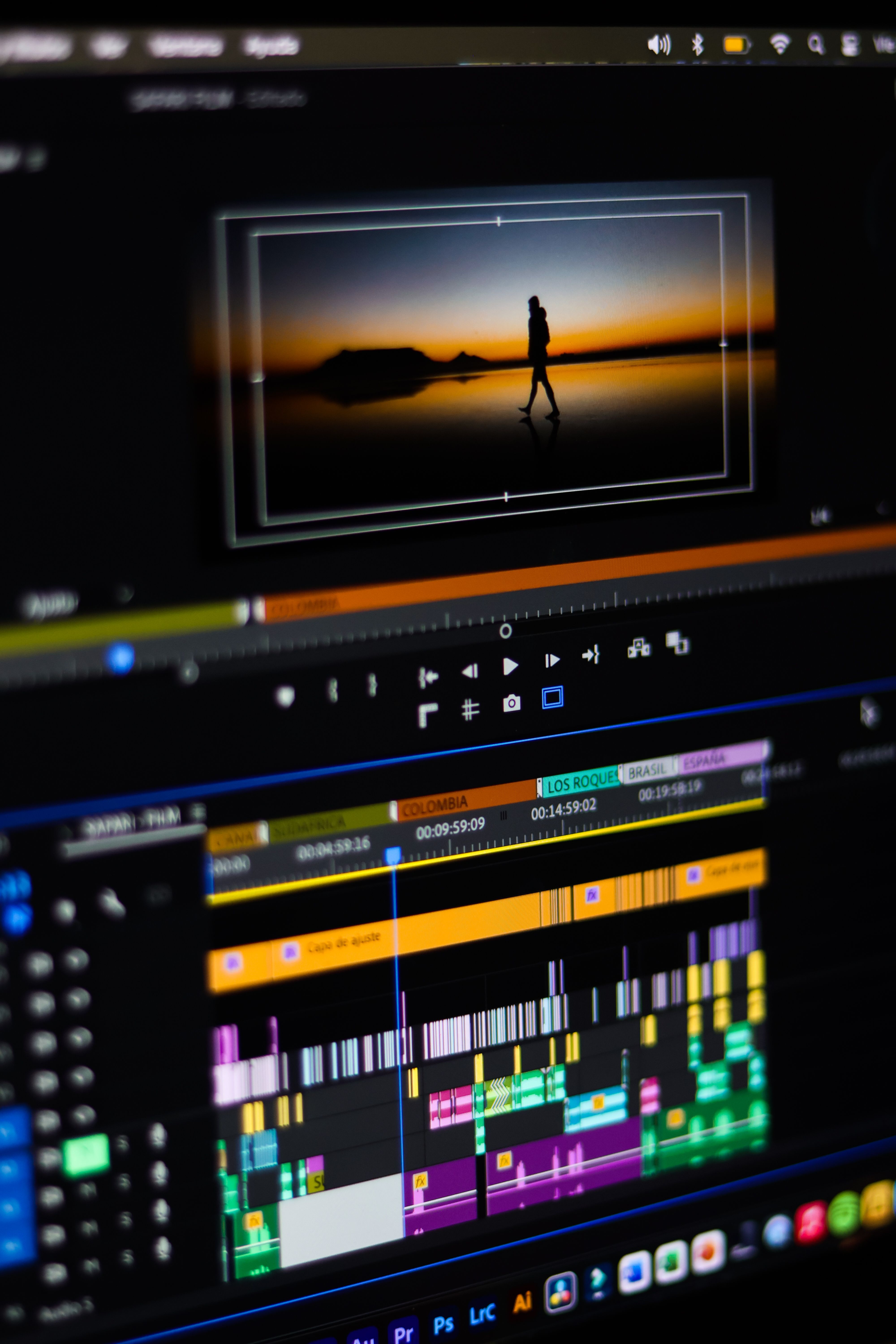
Most owners who post to several platforms either film everything twice or post the same wide file everywhere and accept whatever crop they are given. Neither is necessary.
Reframing one wide master into vertical and square versions is routine editing work. A good reframe does not just crop the middle and hope. It tracks the subject, so if you move across the room the frame follows you, and it repositions the crop shot by shot so the important thing stays in view. Text and captions get laid out separately for each shape rather than squeezed into the same position.
The output from one shoot, then, is three files that each look as though they were made for where they are posted: a wide version for YouTube and your website, a tall one for Reels and Shorts, and a square-ish one for the feed. Same footage, three different frames.
What This Does for Your Visibility
Platforms do not rank you on aspect ratio directly. What they measure is whether people keep watching, and a badly cropped video loses people in the first second for a reason that has nothing to do with your message. A viewer who cannot see what you are pointing at scrolls on, and the platform reads that as a video nobody wanted.
The flip side is that well-framed video is cheap reach. The same shoot, cut three ways, gives you three native-looking posts instead of one awkward one, and every extra placement is another surface where somebody can find you.
Getting this right is mostly a decision made before the camera goes on. The rest is an editor's job: tracking crops, per-platform captions, one shoot turned into versions that each fit their home. That is a large part of what MorganMade does for the small businesses, creators and organisations sending footage in every week. If you have a wide file on a drive that you have been posting everywhere unchanged, there is more in it than you are currently getting.
*This post was created with the assistance of AI.*