People Search on TikTok and Instagram Now. Your Clips Aren't Showing Up.
Social apps have quietly become search engines, and they index your spoken words, your captions, and the text burned into your video. A practical guide to making short-form clips findable months after you post them.
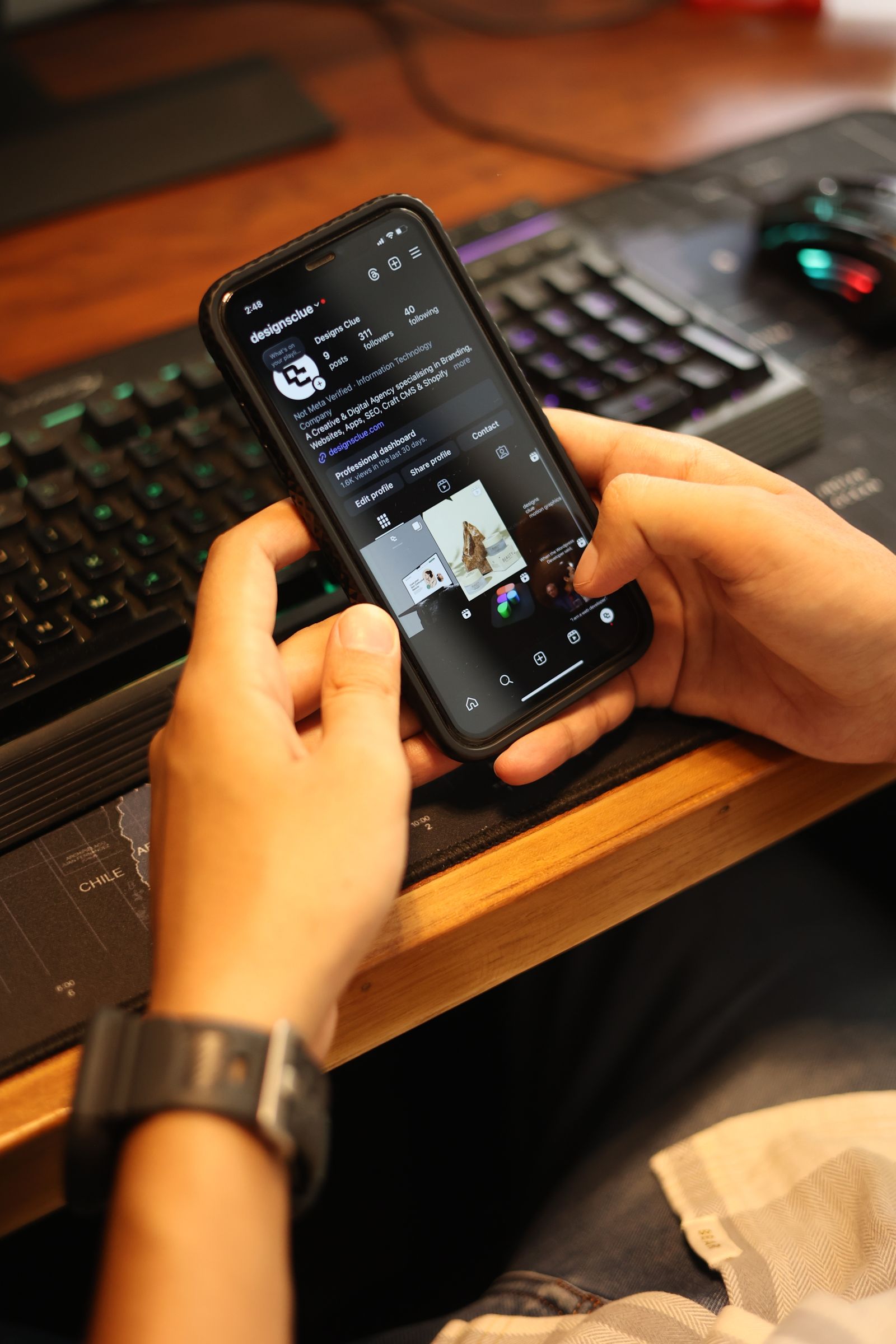
A growing number of people looking for a plumber, a bakery, or a bookkeeper never open Google first. They type it into the search bar inside TikTok or Instagram, because thirty seconds of watching someone actually do the work tells them more than a page of reviews.
Those apps have become search engines. The difference is that most small businesses still post to them like they are posting to a feed — hoping for a spike, then moving on. Meanwhile the clips that keep pulling in customers six months later are the ones that were quietly built to be searched. That is mostly an editing and labelling job, not a filming job.
They Transcribe Every Word You Say
Both platforms run automatic transcription on your audio and use it to decide what your video is about. This is the single most overlooked detail in short-form, and it is free to fix.
It means the plain words matter more than the clever ones. If you install heat pumps in Oshawa, say "heat pump installation in Oshawa" out loud in the video. Not "we handle that for you." Not "this is the one everybody asks about." The phrase a customer would type has to actually leave your mouth.
Before you film, write down three phrases someone would search to find you. Work one of them into the first ten seconds, naturally, in a full sentence. You are not stuffing keywords — you are just refusing to be vague at the exact moment the platform is listening.
The First Line of Your Caption Is a Page Title
Treat the opening of your caption the way you would treat a title tag on a web page: plainly descriptive, with the useful words at the front. Only the first forty characters or so are visible before someone taps "more," and that is also the part doing the most work in search.
"What it costs to refinish kitchen cabinets" will find people. "New project drop, swipe for the reveal" will not.
Hashtags have changed too. They now behave more like topic labels than reach levers, so three to five specific ones beat thirty generic ones. #CabinetRefinishing and #DurhamRegion say something. #Viral and #FYP say nothing the algorithm did not already know.
On-Screen Text Is Read, Not Just Seen
Platforms also scan the text burned into your frames. That makes your on-screen text do two jobs at once, which is a good reason to stop treating it as decoration.
Put the actual topic on screen in the opening frame, in real words. Keep captions accurate rather than stylised into fragments — a caption that reads "cabinet refinishing cost breakdown" is worth more than one that reads "COST?! 😳" even though the second looks punchier.
One practical note: keep text inside the safe area, away from the edges where the platform's own buttons and username overlay sit. Text hidden behind the interface helps nobody, human or machine.
Say the Place Out Loud
If you serve a specific area, the location has to appear in more than one place: spoken in the audio, written in the caption, shown on screen at least once, and set in the post's location tag. Tag the real business or neighbourhood rather than the broad city when you can.
Local searches on these apps skew heavily toward "near me" intent, and a clip that never names where it was filmed is competing nationally for attention it only needs locally.
Build the Search Version Into the Edit
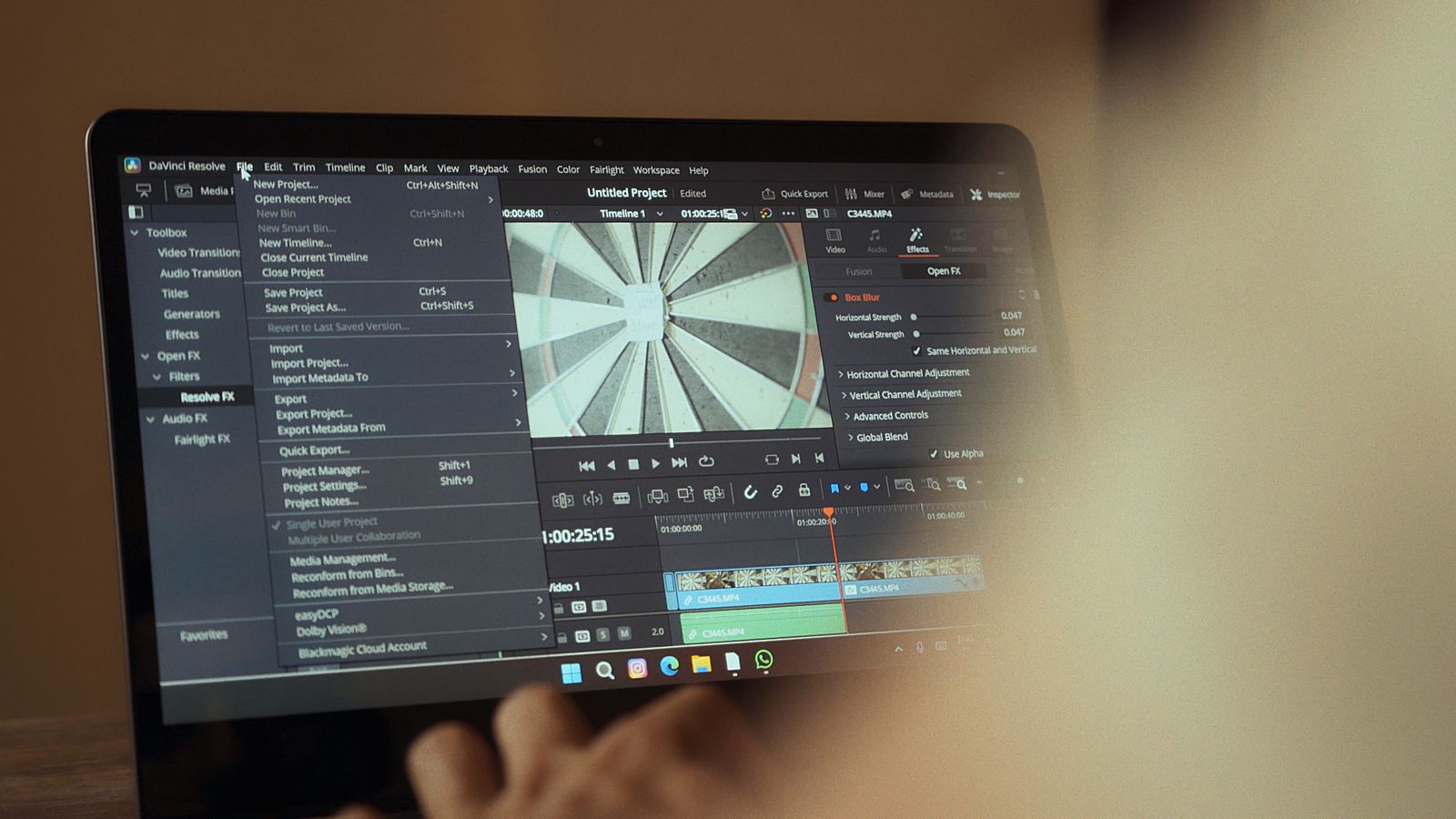
This is where it stops being a posting habit and becomes an editing decision, because a clip cut purely for watch time will often strip out the exact words that make it findable. The sentence where you named the service and the city is usually the slowest sentence in the footage, and it is the first thing a tight edit removes.
A few things worth building into your process:
Hand over the keyword list before the edit, not after. Whoever is cutting the clip needs to know which phrase has to survive.
Front-load the question. Open on the question a customer would type, then answer it. This serves the hook and the search index at the same time.
Keep one clean text layer. A readable, consistent caption style gets scanned correctly. Heavily stylised fonts and aggressive animation often do not.
Cut a separate search version. Keep the punchy cut for the feed, then make a slightly longer version where the topic is stated plainly. They are not the same video and should not be the same edit.
Save the transcript. It becomes your caption, your on-screen text, and eventually a page on your website.
What This Actually Looks Like Over Time
Search-driven clips behave differently from viral ones. They rarely spike. They accumulate — a few views a day, from people with a specific problem, months after posting. In your insights, the number to watch is views from "search" as a share of total. On an evergreen clip that has been labelled properly, it should climb steadily rather than flatline after week one.
That is a slower, duller graph than a viral hit. It is also the one that fills a calendar.
The hard part is consistency: the same caption style, the same text placement, the same discipline about keeping the plain-language sentence in the cut, across dozens of clips while you are also running the business. That is the part MorganMade does — short-form clips, YouTube videos, and podcast cutdowns for small businesses, edited so they stay findable rather than just looking good the day they go up. If you have footage sitting on a drive that nobody has searched for yet, that is usually a labelling problem, not a filming one.
*This post was created with the assistance of AI.*