The 30-Second Video Almost No Small Business Has Uploaded
Your Google Business Profile accepts video, and almost nobody uses it. Here's what to film, how long it should be, and why it moves the needle on local visibility.

Open your Google Business Profile, the listing that shows up when someone searches your business name or finds you on Maps. Scroll to the photos section. There's a tab there for video, and if you're like the overwhelming majority of small businesses, it's empty.
That empty tab is one of the few remaining places where a small operation can outrank a bigger competitor with about twenty minutes of effort. Not because video is magic, but because almost nobody in your category has bothered, and the profile that looks alive gets clicked.
Why the Profile Matters More Than Your Website
For a lot of local searches, your Google Business Profile is the first and sometimes only thing a customer sees. They search "auto shop near me," a panel appears with three businesses, and the decision about which one to tap happens in a few seconds, based on the photos, the star rating, and how established each one looks.
A profile with a dozen photos and a short video reads as an active business. A profile with two blurry photos from four years ago reads as one that might not still be open. That impression drives clicks, and click-through rate is one of the signals Google uses to decide who ranks in that panel next time. Engagement on your profile compounds.
Video also holds attention in a way a static image can't. Somebody comparing three plumbers who watches thirty seconds of one of them actually working has effectively already chosen.
The Rules Nobody Tells You
Google's requirements for profile video are specific and worth knowing before you film, because most people find out after they've made something unusable.
Keep it to 30 seconds or under. Shoot in reasonable resolution, 720p or better, which any phone from the last decade handles. Film horizontally unless you have a specific reason not to. And the footage has to be genuinely of your business, real location, real work, real people. Stock footage and heavily branded promo videos tend to get rejected or removed.
There's no audio requirement, and honestly most people watching a profile video have their sound off anyway. Which means whatever the video communicates, it has to communicate visually.
Five Videos Worth Uploading
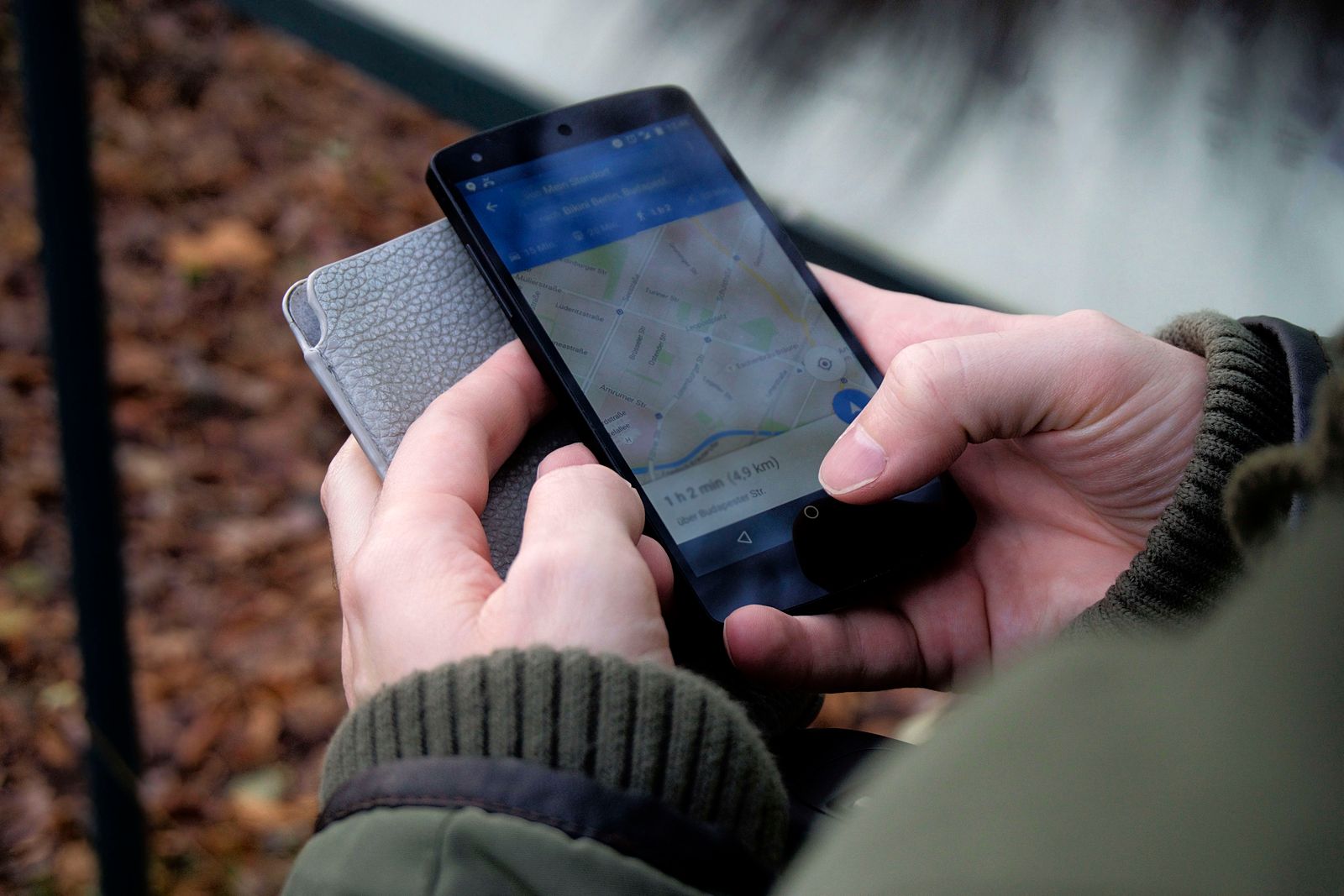
You don't need a campaign. You need a handful of short clips that answer the silent questions a stranger has about whether to call you.
The walk-in. Thirty seconds from the parking spot to the front counter. This sounds trivial and it's the single most useful video a location-based business can post, because it removes the small anxiety of showing up somewhere unfamiliar. Customers who can picture arriving are more likely to come.
The work happening. The actual craft, uncut. Dough being shaped, an engine bay, a haircut in progress, a table being sanded. Movement holds attention, and competence is more convincing when it's shown than when it's claimed.
The team. Faces, briefly. Not a formal introduction, just your people doing what they do. Local businesses win on trust, and trust starts with the customer knowing who they'll be dealing with.
The finished result. A slow pan across completed work. This is the closest thing to a portfolio your profile can hold, and it sets expectations about quality before anyone asks for a quote.
The one-answer clip. Thirty seconds on the question you get asked most, filmed simply. Parking, hours, what to bring to a first appointment, how long a typical job takes. Practical, specific, and useful to a first-time customer.
Getting the Most Out of Each Upload
Refresh regularly. Profiles that receive new content periodically tend to hold up better in local results than ones that go dormant after a single burst of activity. Uploading something every month or two, even a short clip, keeps the listing looking current.
Skip the text overlays and logos. Google's guidelines lean toward authentic, unedited-looking content for profile media. Heavy graphics can read as promotional and risk removal. Save the branded version for your website and social channels.
Reuse the footage. The same thirty seconds that lives on your profile also works as an Instagram Reel, a clip on your homepage, or a YouTube Short. One filming session can populate your profile and your social calendar at the same time.
Watch what happens. Your profile dashboard shows views, searches, calls, and direction requests. Add video, then check those numbers a month later. It's one of the few marketing changes where the before-and-after is easy to see.
The Honest Catch
Thirty seconds sounds easy until you're standing in your shop with a phone, unsure where to start or when to stop. The footage from a first attempt is usually too long, a little shaky, and paced in a way that loses people before the good part. Trimming it to the strongest thirty seconds, stabilizing it, and cutting a version that works on mute is the difference between a clip that sits there and one that gets watched.
*This post was created with the assistance of AI.*