Your Video Doesn't Look Cheap. It Sounds Cheap.
Viewers forgive shaky footage. They don't forgive bad sound. Here's why audio quietly decides how far a small business video travels, and what to fix before and after you hit record.

Most small business owners who are disappointed with their first video blame the wrong thing. They assume the footage looked amateur, so they start shopping for a better camera. Nine times out of ten, the camera was fine. The sound wasn't.
This is worth understanding because audio is the one production element viewers notice without being able to name. Nobody watching a contractor's walkthrough thinks "that room has too much reverb." They just feel that something is off, lose interest, and swipe. And on every platform that matters for your visibility, that swipe is the whole ballgame.
Why Sound Decides How Far a Video Travels
Reach on YouTube, Instagram, TikTok, and even your own website comes down to whether people keep watching. Platforms promote what holds attention, and search engines read time-on-page as evidence that your page answered the question. Audio is the fastest way to lose both.
People tolerate a lot visually. Slightly soft focus, an uneven horizon, phone footage instead of cinema footage, none of it stops a viewer who's interested in what you're saying. But echo, hiss, or a voice buried under an air conditioner takes real effort to listen through, and almost nobody makes that effort for a business they don't know yet. The drop-off happens in the first few seconds, before your message has landed.
There's a credibility cost too. Clean, clear sound reads as competence, even to someone who couldn't explain why. Muddy sound quietly suggests the same carelessness might show up in your actual work.
The Four Things That Ruin Small Business Audio
Distance. The single biggest factor is how far the microphone sits from the mouth. A phone held at arm's length picks up the whole room; a microphone six inches from your collar picks up you. Everything else is secondary to this.
Room echo. Hard floors, bare walls, high ceilings, and glass all bounce sound back into the mic. Echo is the one problem that genuinely cannot be removed later, so it has to be avoided at the moment of recording.
Background noise. Refrigerators, HVAC, highway hum, fluorescent buzz, a laptop fan. You stop hearing these after five minutes in a room. The microphone never does.
Uneven levels. Two people at different distances, or an interview where you're loud and your customer is quiet, forces the viewer to ride the volume knob. Most of them just leave instead.
What to Fix Before You Hit Record
Get a clip-on mic. A basic wired lavalier or a small wireless set costs less than a tank of gas and improves your video more than any camera upgrade at any price. Clip it to the collar, roughly a hand's width below the chin.
Choose the soft room. Pick the space with carpet, curtains, a couch, or shelving over the big echoing showroom. If the echoing room is the one you need to show, film it, but record the talking somewhere softer and cut the visuals over it.
Turn things off. Thirty seconds spent killing the AC, the fridge, and the fan saves an hour of cleanup and still sounds better than the cleanup would.
Listen before you commit. Record fifteen seconds, put in headphones, and actually play it back. This one habit catches almost every disaster: the dead battery, the mic under a jacket, the neighbor's leaf blower.
Record a few seconds of silence. Before or after each take, capture ten seconds of the room with nobody talking. It gives an editor a clean noise profile to work from, which makes cleanup far more effective.
What Actually Gets Fixed in the Edit
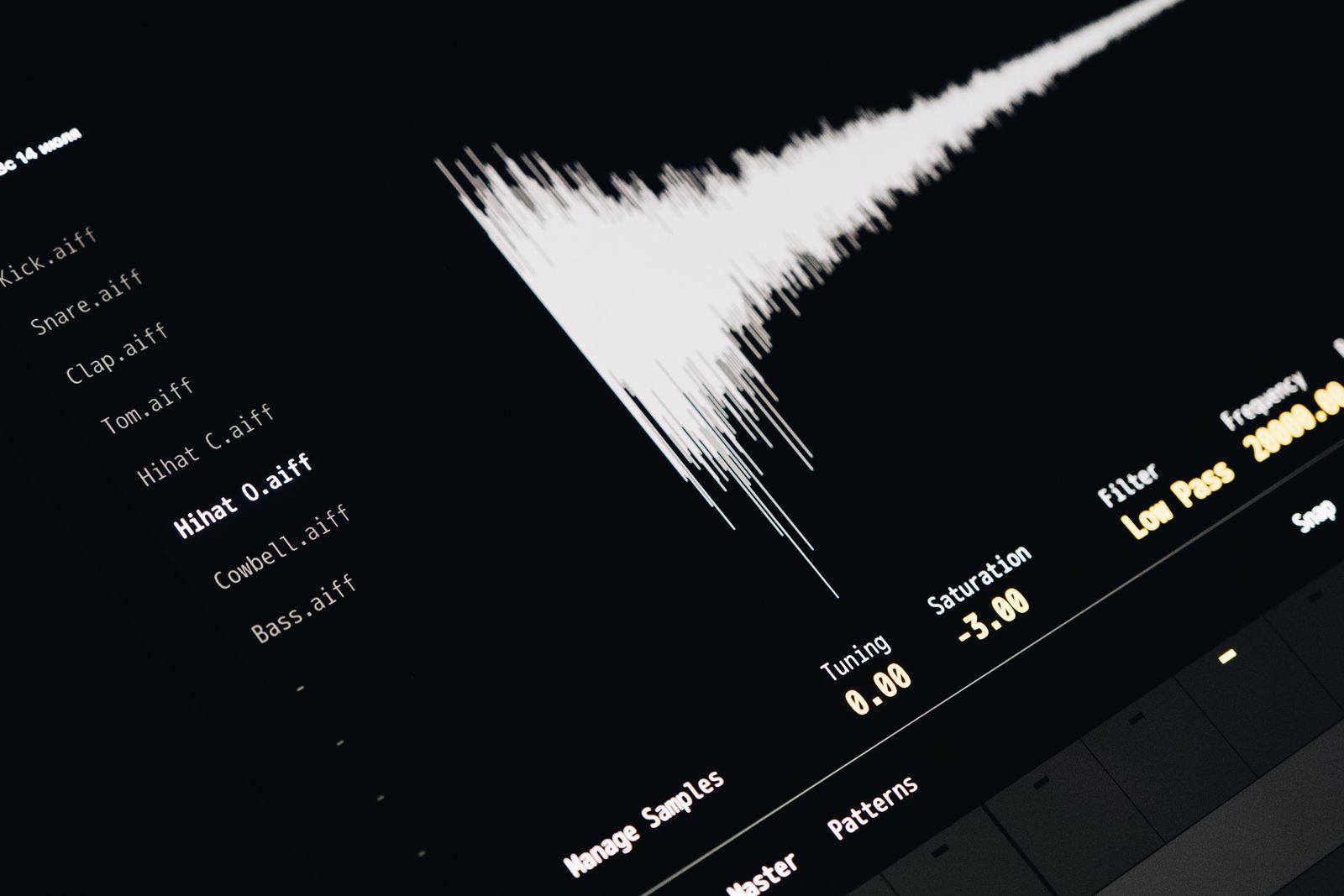
A good edit can do more with mediocre audio than most people expect. Noise reduction pulls out steady hum and hiss. Levels get matched so every speaker sits at the same loudness, then normalized to the target each platform expects, so your video doesn't arrive noticeably quieter than everything around it in the feed. Harsh frequencies get tamed, plosives softened, long gaps and dead air trimmed so the pacing stays tight. Music gets ducked underneath the voice instead of competing with it.
What an edit can't do is un-echo a room or recover a voice that was never captured clearly in the first place. That's the honest line: capture the voice cleanly, and the edit can handle nearly everything else.
The Cheapest Upgrade You Will Ever Make
If you do one thing after reading this, make it the clip-on mic. It's the highest return per dollar in small business video, and it costs less than a single boosted post that nobody watched to the end.
The second thing is making sure that captured audio actually gets treated properly on the way out. That's part of what MorganMade does with every project, alongside the cutting, captions, and graphics: cleaning up the sound, balancing the levels, and making sure the finished video holds attention long enough to do something for you. If you've got footage you were never quite happy with, it may be more salvageable than you think.
*This post was created with the assistance of AI.*